


Setup and ease of use
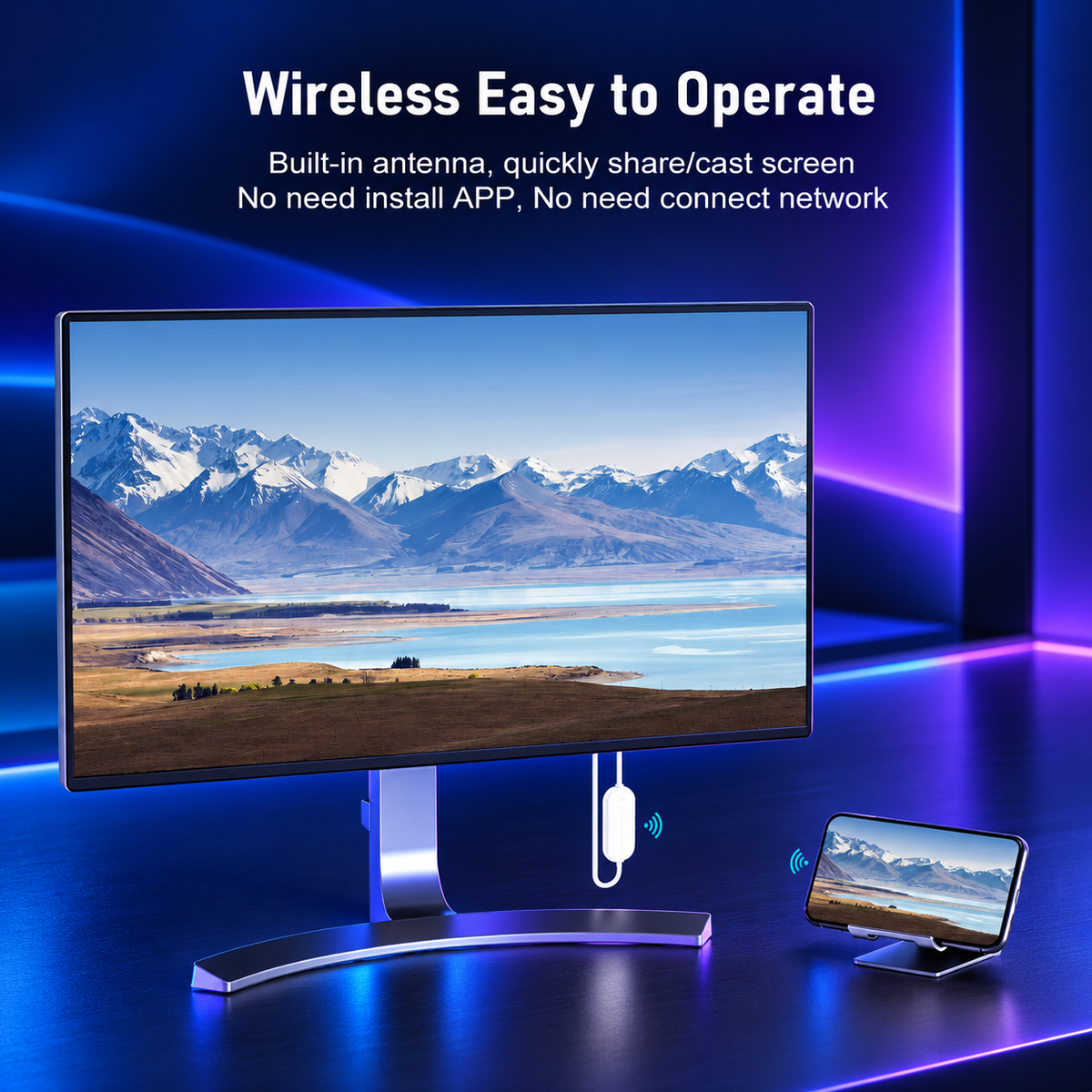
“Plugged the transmitter into my laptop and the receiver into the hotel TV, and it was mirroring in under a minute. No app, no WiFi login, nothing to configure.”


Swipe through the videos. Tap the sound control to listen.
Where will you take the bigger picture? Pick your scene.

Bring photos, personal videos, and presentations from a compatible device to your TV.
Paid streaming apps may restrict mirroring. Check your app before buying.
Make room for a bigger view
Keep your screen-sharing setup in your bag for trips, visits, and time away from home.
Check that the TV allows HDMI input selection. Online content still needs an internet connection.
Take NovaCast along
Put slides, documents, and demos on a larger display for meetings, lessons, and shared projects.
Check your source device’s video output. Some devices need a compatible adapter.
Upgrade your presentation setup“Plugged the transmitter into my laptop and the receiver into the hotel TV, and it was mirroring in under a minute. No app, no WiFi login, nothing to configure.”
“Picture is sharp at 1080p and audio stays in sync with the video. I watched a full YouTube playlist with no lag I could notice.”
“I travel for work and this fits in my laptop bag. Hotel WiFi is useless for casting, but this doesn’t need it, so I can present or stream anywhere there’s an HDMI port.”
“I use it for client presentations. I connect it to the conference room projector and my slides show up immediately, with no cables across the table.”
“I use it to put my laptop on the living room TV without running a long HDMI cable. It’s a clean setup, and the connection has been stable.”
“Works great for browser videos, photos and documents. Netflix and other paid apps block mirroring, but that’s a copyright restriction, not the device. Setup took two minutes, and I’d buy it again.”
Your photos, videos, and presentations deserve a bigger view.
 Full HDNo appWireless HDMICompact kit